A link in bio built for makers.
One link to share what you make, the story behind it, and where to get it. Your digital business card for the maker economy.
Make it yours in minutes.
The page is the editor. Tap a block, type, and it saves itself. Six looks, one accent color, zero fiddling.
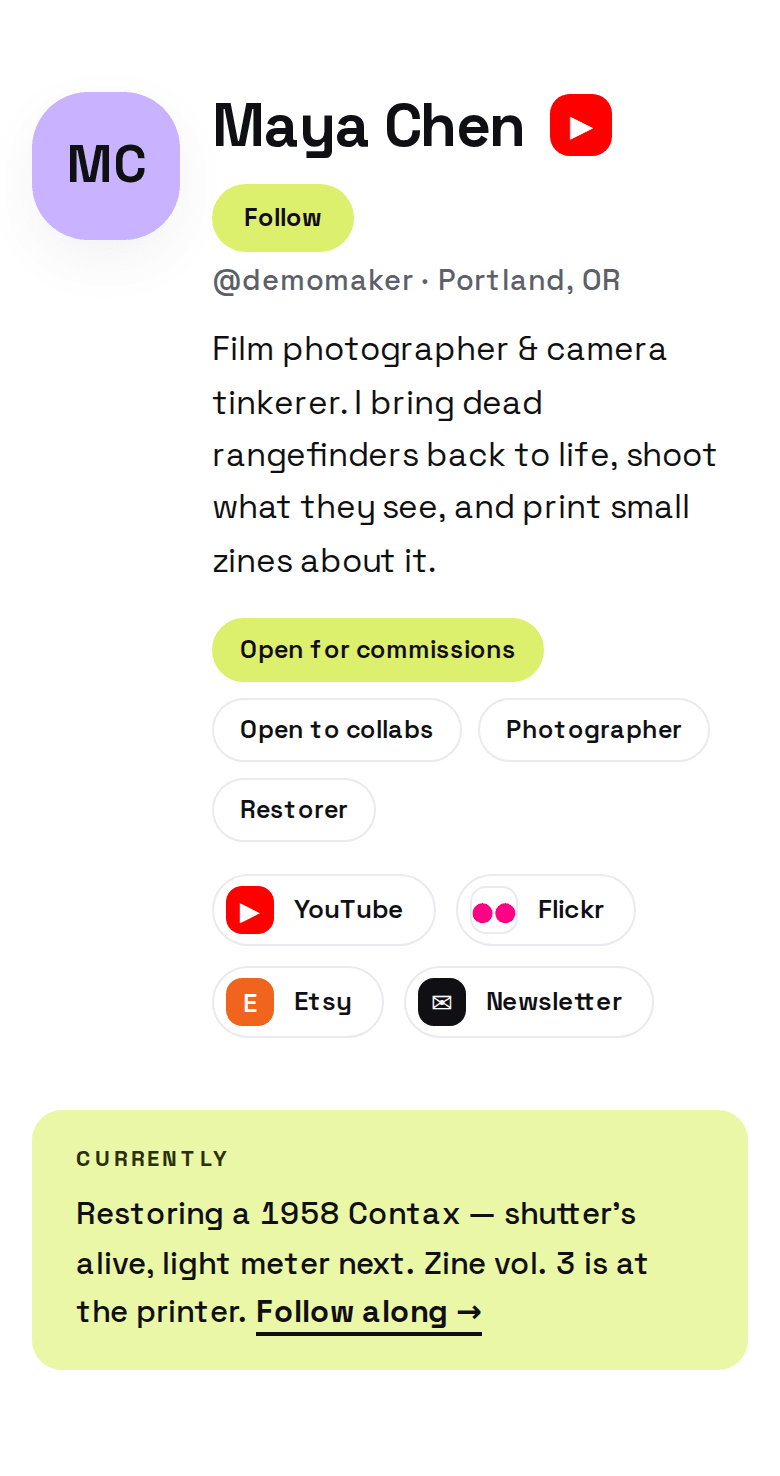
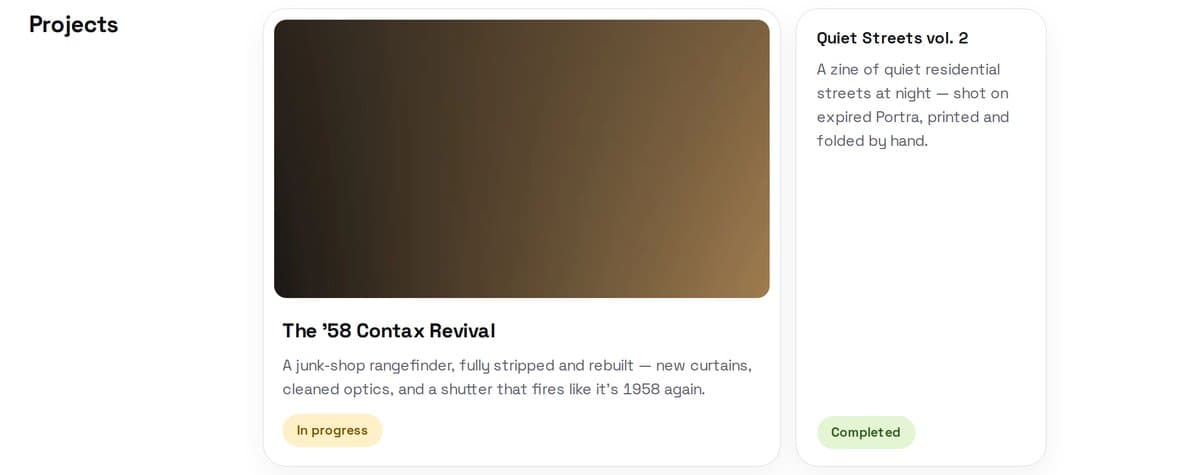
Built to hold real work.
Projects with their own pages. A timeline of what is happening. Galleries, products with a Get it button, links and embeds. One coherent story instead of a pile of links.
An audience you keep.
Anyone can follow your page with just their email. They applaud the work they love, and a weekly digest of your updates goes out for you. No algorithm in between.
They follow you, not a feed.
3 updates, 128 inboxes
Sent for you. Nothing to schedule.
Every kind of maker.
Ceramicist or compiler nerd, your page fits the way you actually work.
A page machines can read.
Structured data, clean markup, an llms.txt. When AI answers questions about you, it can quote your page instead of guessing.
Point people to where they can buy.
Products link straight out to your shop on Etsy, Gumroad or anywhere else. Your store stays yours.
There is a method to it.
Identity first: a living page that grows with your work instead of a list that goes stale. Four principles, three practices, no fluff.
Read the Method →
Questions, answered
Is MakerID free?
Yes. Claiming your username and building your page is free.
What can I put on my page?
Projects with their own pages, a timeline, photo galleries, products, links, embeds and short updates. You choose the sections; visitors see one coherent story.
Do I own my audience?
Yes. People follow your page with their email address, you can always see who follows you, and a weekly digest goes out without an algorithm deciding who sees it.
How is this different from a link list?
A list of links points away from you. A MakerID page holds the work itself: what you made, why it matters and what you are making next.